
LinkedIn toolkit
Free LinkedIn tools for a profile that stands out

We help everyone polish their profile with LinkedIn tools built for the job. Start with the LinkedIn banner preview to see your profile the way visitors do.
- Free
- No signup
- +2,000 users every month
Free tools
All our free LinkedIn tools, by use
Your profile or your posts: pick what you want to check. No account, everything runs in your browser.
ProfileFree
Preview your banner
Your banner with your profile picture, on desktop and mobile, before you publish it.
ContentFree
Preview your post
Your text and images as they will appear in the feed, before you publish.
ProfileFree
Check your profile picture
The circle crop and how it looks in the feed, comments and search.




From free to pro
Start for free, go further if you need to
Every step is optional: only move on when it helps you.
- Editor
Create your banner with the editor
Start from a template, add your text, photo and logo. Free to customize, previewed on your profile.
Open the editor - From $49
Hand it to Mélanie
A designer creates it from scratch based on your brief. 100% by email, no calls.
See custom design
Banner maker
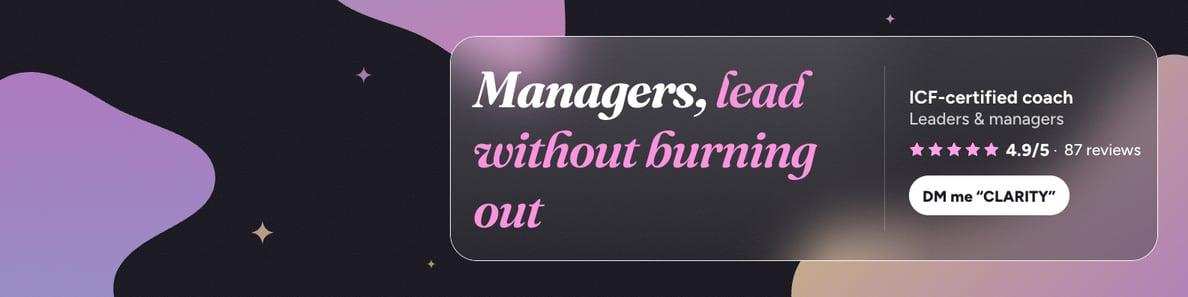
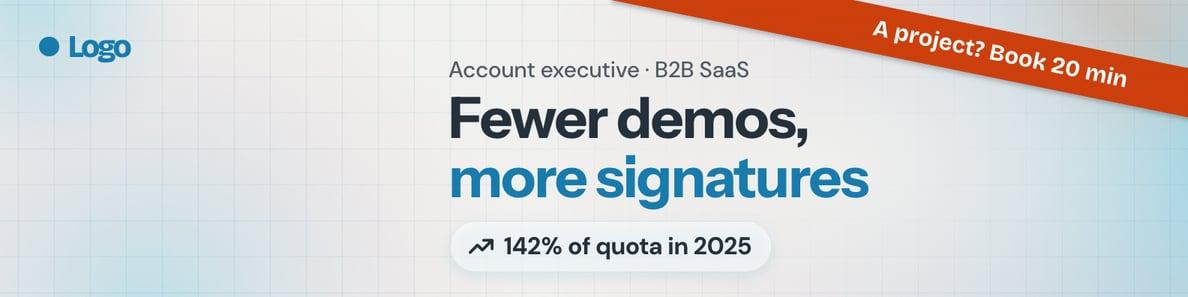
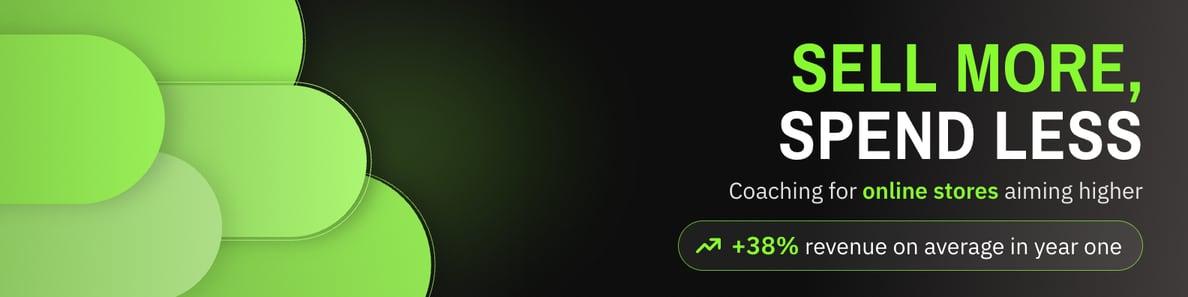
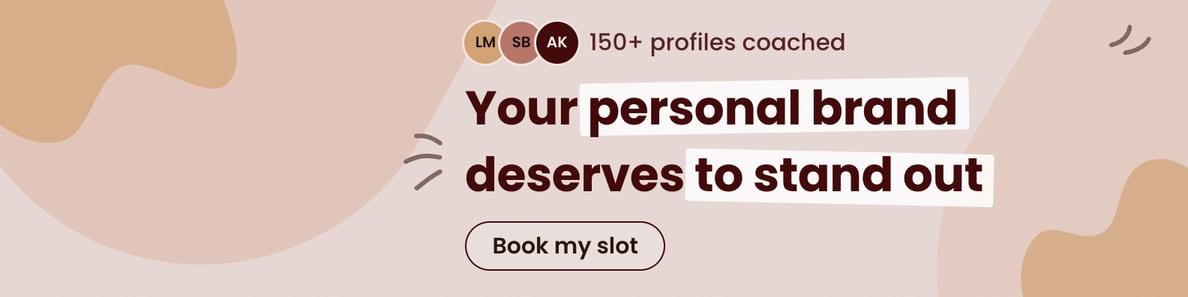
Create your LinkedIn banner from a template
Clean templates designed around the profile picture. Change the text and colors, add your photo and logo, and see the result on your profile.
- Live preview on a LinkedIn profile, desktop and mobile
- Your own colors or one of the suggested palettes
- Text kept clear of the areas hidden by the photo
Free to customize, no sign-up
Custom design
No time? Mélanie designs your banner
Your banner, or your whole profile, designed from scratch by a designer based on your brief.
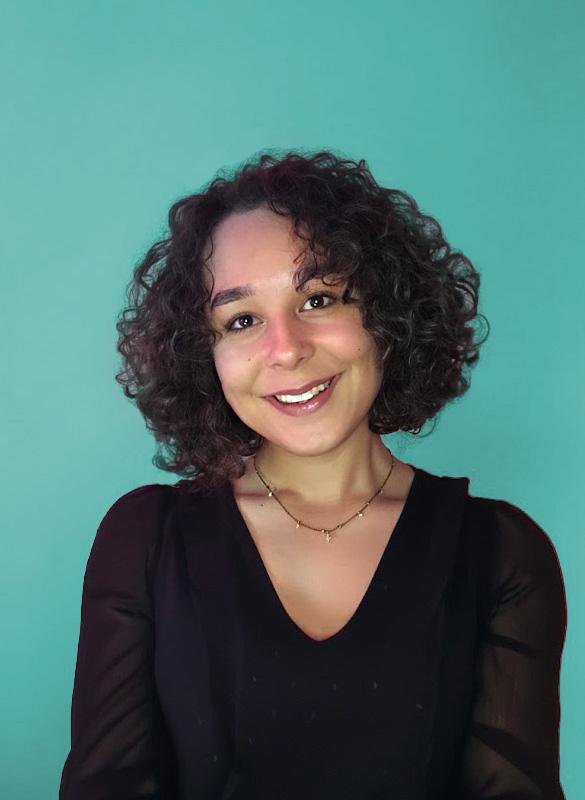
Mélanie Kitenge
Designer · 5 years of experience
I design every visual myself, from scratch, based on your brief: no outsourcing, no templates.
- 100% satisfied clients
- Delivered in 48 business hours
- 100% by email, no calls
Guides
The LinkedIn specs worth knowing
Up-to-date sizes and best practices, explained simply.
- 1584 × 396 pxLinkedIn banner sizeDimensions, file size, formats and the areas hidden by the photo on mobile.Read the guide
- 1080 × 1350 pxPost image sizePortrait, the most visible format on mobile, and the other formats.Read the guide
- AI photoAI headshot for LinkedInA professional photo without a photoshoot: when to use one, and which to pick.Read the guide
FAQ
Frequently asked questions
Are the tools free?
Yes. The banner preview, post preview, text formatter, profile picture viewer, template and guides are free, with no limits. In the banner maker, customizing and previewing are free; only the HD file download is paid. Custom design by Mélanie is a paid service, from $49.
Do I need an account?
No. None of the tools asks you to sign up or give an email: open the page and use it. An email is only needed for an order, to send you your files.
Are my images uploaded to a server?
Not with the free tools: your banner, photo and post images are displayed right in your browser and never leave your device. In the banner maker, your photo also stays on your device; only the logos you add are stored, to produce your HD file.
Who is behind Banner Preview?
Two people: Eliott Moulin, who builds the tools, and Mélanie Kitenge, a designer for 5 years, who designs the custom banners from start to finish.
What is the difference between the editor and custom design?
With the editor, you start from one of our templates and customize it yourself in a few minutes: text, colors, photo, logo. With custom design, Mélanie creates your banner from scratch based on your brief: 2 proposals, 2 revisions included, delivered by email within 48 business hours.
Free · No sign-up
See your banner the way visitors do
Upload it with your profile picture: the exact rendering on desktop and mobile, in seconds.